 WorldStream TV
01 /
Connect your playlist
Import a playlist URL, sign in to a compatible Xtream Codes provider, or add a stream address directly.
Your personal IPTV player
Bring the streams you love into one simple space. Connect your own playlists or provider, save your favourites, and make yourself comfortable.
Meet WorldStream TVMade for iPhone, iPad and Android. Store availability coming soon.
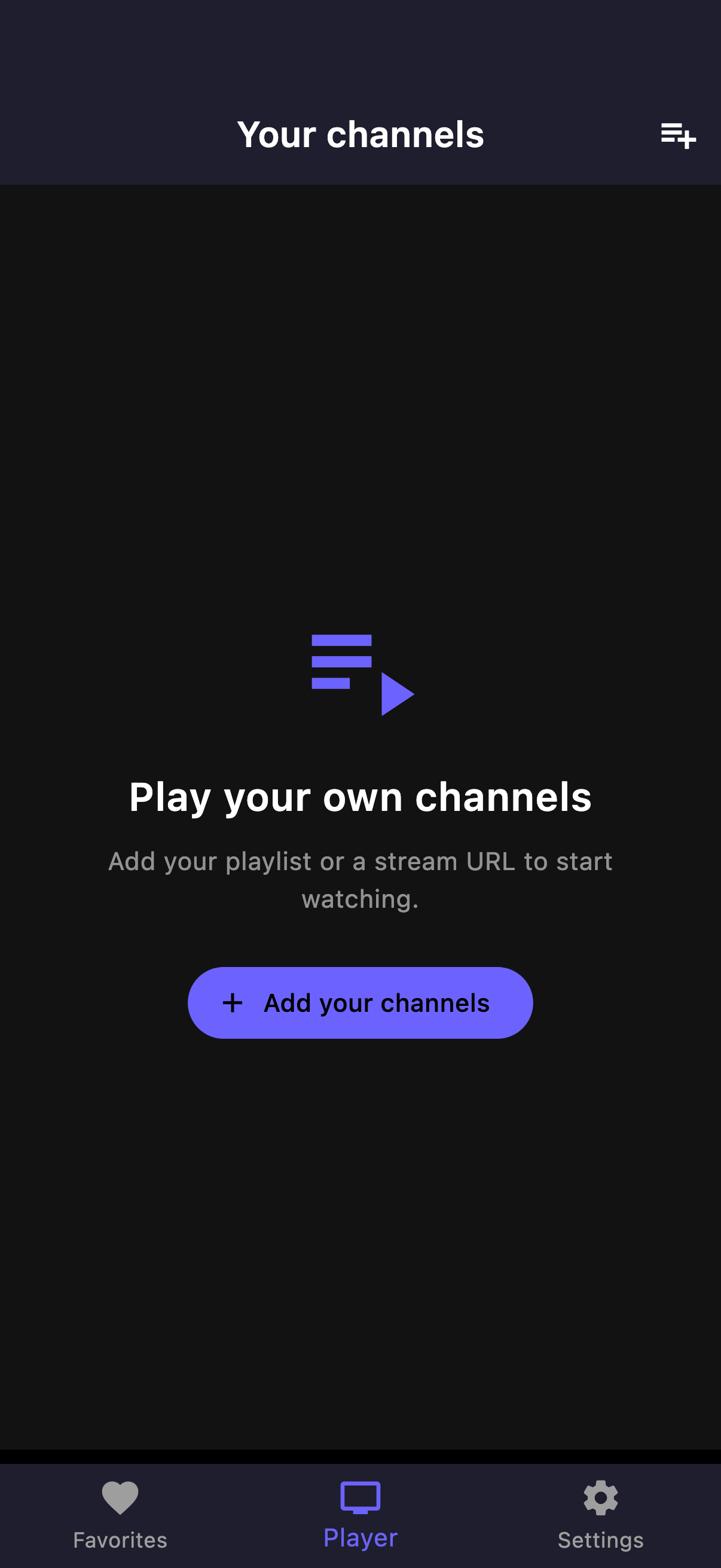
Settle in. Press play.
WorldStream TV keeps the player simple. You choose the playlists and providers you are authorised to access, and organise them the way you watch.
01 /
Import a playlist URL, sign in to a compatible Xtream Codes provider, or add a stream address directly.
02 /
Find channels with search, keep favourites close, and manage your imported channels in one place.
03 /
Enjoy fullscreen playback, switch orientation, and choose player and power settings for your device.
WorldStream TV Pro
Pro is a monthly subscription for access to the IPTV player. Bring your own playlist or provider subscription to start watching.
A few things to know
A clear starting point for your WorldStream TV experience.
Pro provides access to the IPTV player. It does not include a channel package or TV provider subscription. Use playlists and streams you are authorised to access.
Open Add Your Channels in the app. You can import a playlist URL, connect with your Xtream Codes provider details, or add a stream URL manually.
Your saved sources, favourites and preferences are stored in app storage on your device. Playlist and playback requests connect to the source provider. Read our privacy policy for details.
Subscriptions are managed through the store where you purchased them. Open Apple App Store or Google Play subscription settings to view, manage or cancel your subscription. Deleting the app does not cancel a subscription.
Get help connecting a source or using the player.